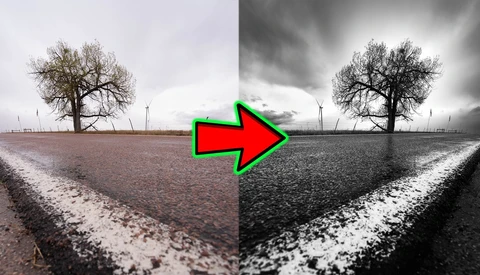
Post-Production

Post-production is where raw files become finished images — and for most photographers, it's where a significant portion of their working time goes. This section covers the full post-production process: from culling and raw processing to retouching, color grading, and the workflow systems that keep a high volume of work manageable without sacrificing quality.

Shooting Minimalist Landscapes When There's Almost Nothing to Shoot

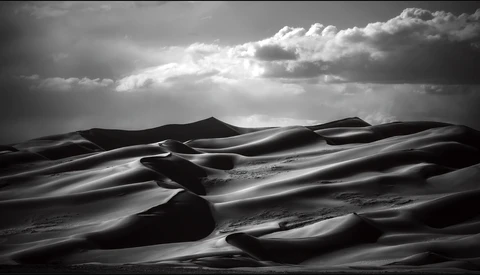
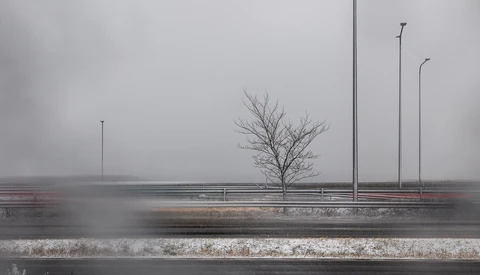
Minimalist photography is harder than it looks. When the summit of Pikes Peak closes due to a storm and your backup plan becomes a flat, windswept stretch of Colorado grassland, the only things separating a great shot from a boring one are patience, the right glass, and knowing how to work with almost nothing.

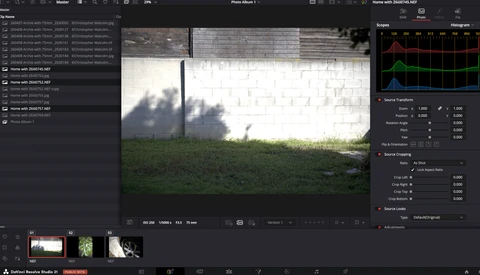
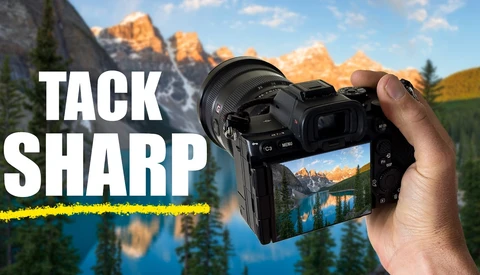
Focus Stacking: Tack-Sharp Images From Front to Back

Achieving tack-sharp landscape images from foreground to background is one of the more technically demanding challenges in the field. Focus stacking solves it, and it's more accessible than most people assume.

The Best AI Audio Cleanup Tools for Noisy Video

Bad audio can sink an otherwise great video. Whether your guest recorded on a laptop mic, you were stuck near an AC unit, or background music crept into your footage, the fix used to take real technical skill. Now, three AI tools can handle most of it in seconds.

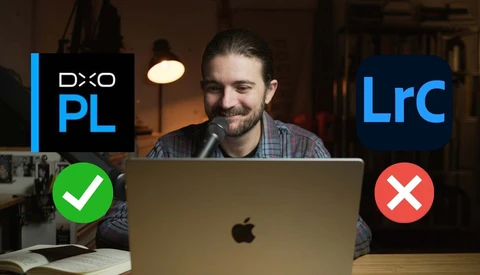
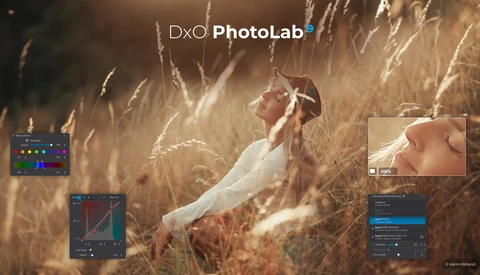
DxO PhotoLab 9 Might Be the Reason to Finally Quit Adobe

If you've been paying for a Lightroom Classic subscription while quietly wondering whether it's still worth it, DxO PhotoLab 9 is a direct answer to that question. After roughly 15 years of Lightroom as his primary editing tool, Matt Day spent two months with PhotoLab 9 before canceling his Adobe subscription entirely.

DXO Adds PureRAW 6 Features to PhotoLab 9

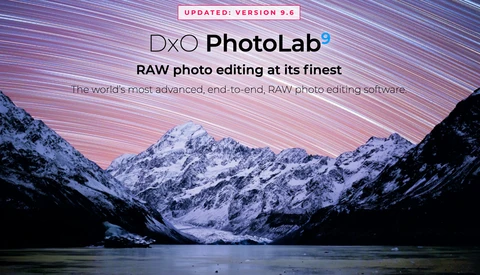
DXO had a big announcement a few weeks ago with powerful new features in their raw image processor PureRAW 6. Now those features have been folded into their powerful image editor, PhotoLab, which gets a version bump to 9.6.

5 Ways to Make Photo Culling Faster (Without Regretting Your Picks)

Culling is the least glamorous part of any photographer's workflow, and it is also the part most likely to quietly devour your evening. Whether you are trimming a 3,000-frame wedding or whittling down a portrait session, the process of deciding what stays and what goes can stretch from minutes into hours if you let it. The frustrating part is that slow culling rarely produces better results. More often, it just produces more indecision and a nagging feeling that you cut the wrong frame. 

DXO Gives Photographers a Major Update with PureRAW 6

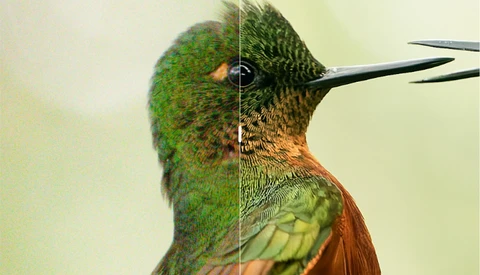
DxO PureRAW has been a go-to item in the workflow of photographers for years. PureRAW launched back in 2021, designed as a tool to preprocess Raw files before they go into an editor. The software de-noises your image, then corrects for defects in your optical path or the sensor. To do this, DxO maintains an extensive database of lenses and sensors so it can match your equipment to the corrections.

Premiere 26.0 Drops “Pro” and Adds Powerful AI Masking

Premiere Pro is no longer called Premiere Pro. With version 26.0, Adobe has renamed it Premiere on Desktop, and that shift comes with tools that could change how you handle masking, transitions, and overall timeline speed.

Fixing a Wide Angle Landscape When 14mm Is All You Have

Shooting a landscape with only a 14mm lens can leave you stuck with too much foreground and not enough subject. When the light is right but the lens is wrong, the choices you make in editing decide whether the photo survives at all.

Strong Images, Weak Edits: Why Your Archive Deserves Another Look

Have you ever gone back to look at older images you created? Whether they’re from six months ago or six years ago, there are often elements worth revisiting. As our eyes mature and technology advances, we’re able to see opportunities to refine those images in ways we simply couldn’t before.

Adobe Introduces Improved Masking in Premiere

This week marks the return of the Sundance Film Festival to Park City, Utah. The festival showcases dozens of new documentaries, shorts, and feature presentations, as well as a variety of panels of interest to independent filmmakers. According to Adobe, 85% of films at the festival will have used Adobe Creative Cloud tools, so it comes as no surprise that Adobe chose this week to announce new features in its flagship editing program, Premiere Pro.

5 Reasons Your Photos Look Fake (And How to Fix Them)

We all want our photos to pop. That desire drives us to experiment with sliders, presets, and AI tools that promise to transform our images into something extraordinary. But there is a fine line between "enhanced" and "radioactive," and most of us have crossed it without even realizing it. Your desire to make a better image is not the culprit. The problem is that when you push too hard, the image loses its anchor in reality, and the viewer stops looking at the subject and starts looking at the editing itself.

Before You Buy the Sony a7 V

While gear reviews can offer a lot of secondhand insight and opinion, there’s nothing like being able to try out the camera for yourself. While there is no way for us to let everyone interested try out the camera physically, this might be the next best thing.
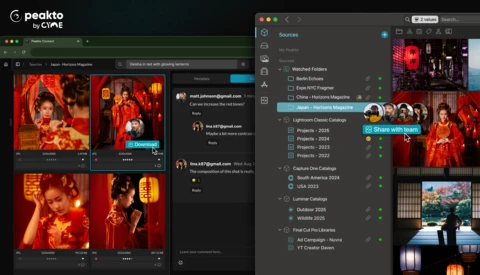
Luminar Neo Adds a Slick AI Assistant

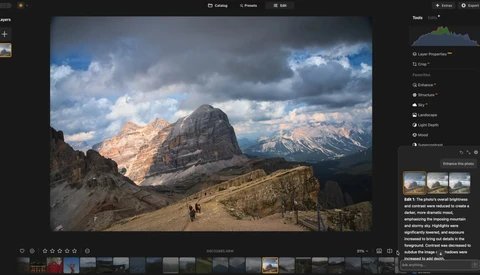
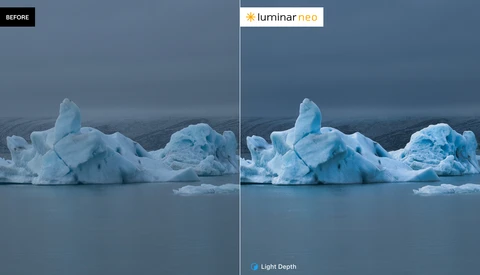
Current owners of Luminar Neo are getting a holiday update with some new and unique features. Besides the usual bug fixes and some speed increases, Neo has added what they call an AI Assistant.

Can Affinity Beat Photoshop?

Switching away from Photoshop sounds tempting until you hit the parts of editing that punish you for being slow or slightly sloppy. If you shoot in rough light, push exposure hard, or do regular cleanup work, the gap between “good enough” and “clean” shows up fast.

Film Simulations vs. Recipes: Which Gets You The Look You Want?

If you shoot Fujifilm and you care about getting a finished look straight out of camera, the difference between film simulations and recipes changes how you set up every shoot. Get it wrong and you either lock yourself into a look you did not mean to commit to, or you spend time “fixing” files that never needed fixing.
A Free Affinity Workflow That Can Actually Replace Adobe

Affinity is now completely free, and the video shows how to use it to build full edits without paying Adobe. If you wonder whether you can cut Lightroom Classic and Photoshop from your workflow, seeing this process in action gives you a clear sense of what you gain and what you give up.

Can You Be a Photographer If You’re Colorblind?

“Why does that dog look green?” From that startling comment, my parents discovered that I was red-green colorblind. But is it possible to be a colorblind photographer? We examine this interesting dilemma.

How to Cut Your Editing Time in Half

You spend hours dragging sliders when you would rather be out shooting. Cutting that processing time in half starts at the moment you press the shutter. Treating capture as a deliberate commitment instead of a casual tap changes how consistent your files are and how long you stay stuck at the computer.
The Journey of a Fujifilm GFX Regional Grant Winner

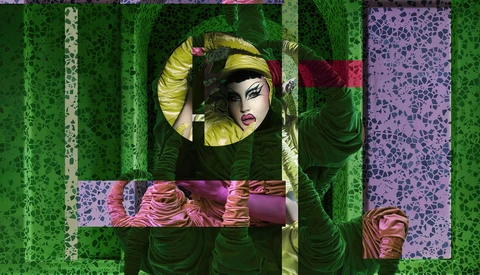
When you’re reading this, I am in Tokyo, Japan, visiting the gallery opening of the 2024 Fujifilm GFX Challenge Grant winners. In late 2024, I got the message that my pitch was selected and I would be getting $5,000 to photograph Canadian drag performers! A dream come true! Read on to find out about my pitch, the selection process, and how I captured the images!

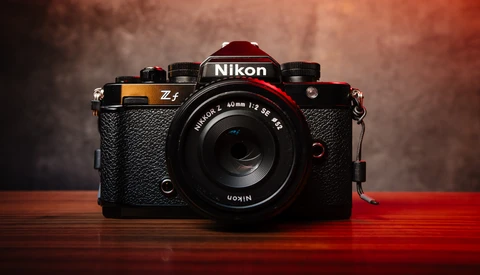
Nikon Is So Close to Something Special...

For photographers seeking the perfect balance between in-camera creativity and personal style, the quest often leads to a crossroads. On one hand, you have the instant gratification of in-camera film simulations offered by brands like Fujifilm, which deliver stunning, ready-to-share images straight out of the camera. On the other hand, there's the professional's need for a consistent, personalized aesthetic, often achieved through meticulous post-processing and custom presets.

Evoto Announces Mobile Workflow for Event Shooters

AI-based software company Evoto held its first-ever live-streamed event today to announce its latest build, Evoto 6.0, featuring numerous powerful updates designed to streamline retouching for photographers. Evoto Instant, a new platform aimed at event shooters seeking the fastest possible turnaround and delivery of their images, was also announced.

The Myriad Film Holder: Bringing Forgotten Film Back to Life

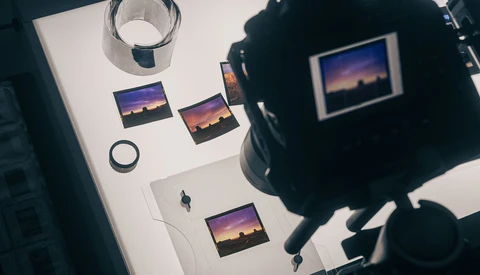
Maybe you can relate to this. You have filing cabinets full of negatives and transparencies you shot back in the film days that have remained untouched for decades now. What do you do with them? I’ve tried various scanners over the years, and none have given me the results I want. So I stopped bothering and continued to let them sit in their dark tombs, unloved and forgotten.

DXO PhotoLab 9 Is Out With Amazing AI Masks and More

DxO PhotoLab has been the editing choice for many photographers since 2017, specializing in correcting optical defects in camera bodies and lenses. It has a large following, but Adobe, with Photoshop and Lightroom, has always been the 800-pound gorilla commanding much of the market.

5 Editing Shortcuts That Save Hours Without Cheapening Your Work

Photographers love to brag about their hours in the edit cave. There’s a strange badge of honor attached to 2 a.m. Lightroom binges, as if suffering through endless slider tweaks somehow makes the work more “serious.” But here’s the truth: clients don’t care how long you sit in front of a monitor. They care about turnaround time, consistency, and whether the final product looks polished. So, why not save time wherever you can?

Adobe Announces Improved Remove Tool

There is an ever-increasing number of features added to our cameras, designed to simplify tasks such as focusing and determining the correct exposure. I love the process of taking pictures, and this move toward a reliance on automation is of little interest to me. However, I am far more skilled at taking photos than editing them, so I welcome Adobe’s determination to simplify tasks like removing objects, adjusting color, or smoothing skin.

What's the Difference Between Blending and Composites?

Is there a difference between blending and compositing in post-processing? Some photographers make no distinction between the two. But for many, there's a notable difference. It can represent the difference between deception and handling noise or dynamic range.